QR Code Scan Notification
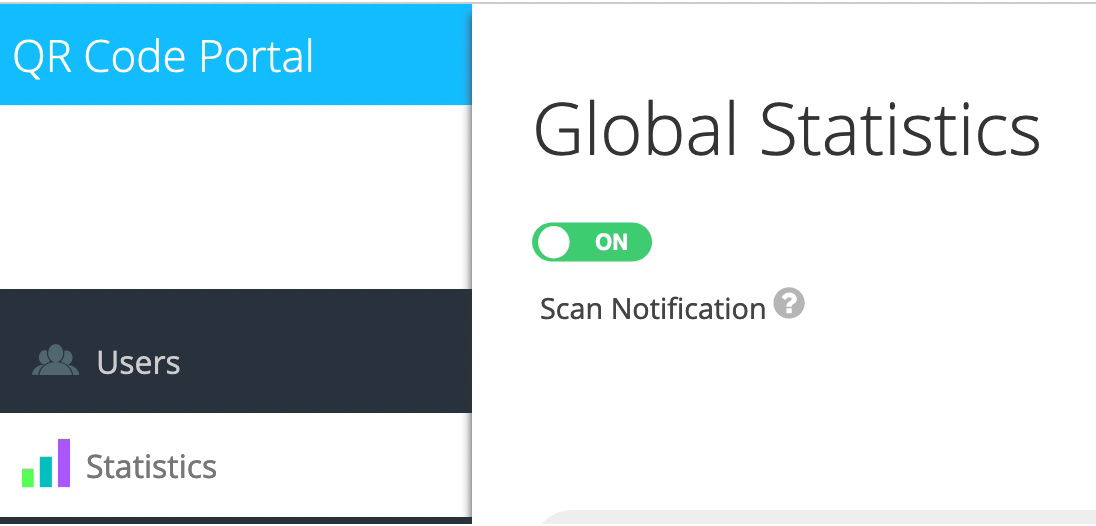
With our QR Code tracking service, you can receive an e-mail as soon as one of your QR Codes has been scanned if you enable the notification function. In the e-mail you will already find the most important information about where and from which device the QR Code was scanned, without you having to log in to the portal.
How do I enable scan notification?
1. Log into your account
Please log into your account on our QR Platform.
Login
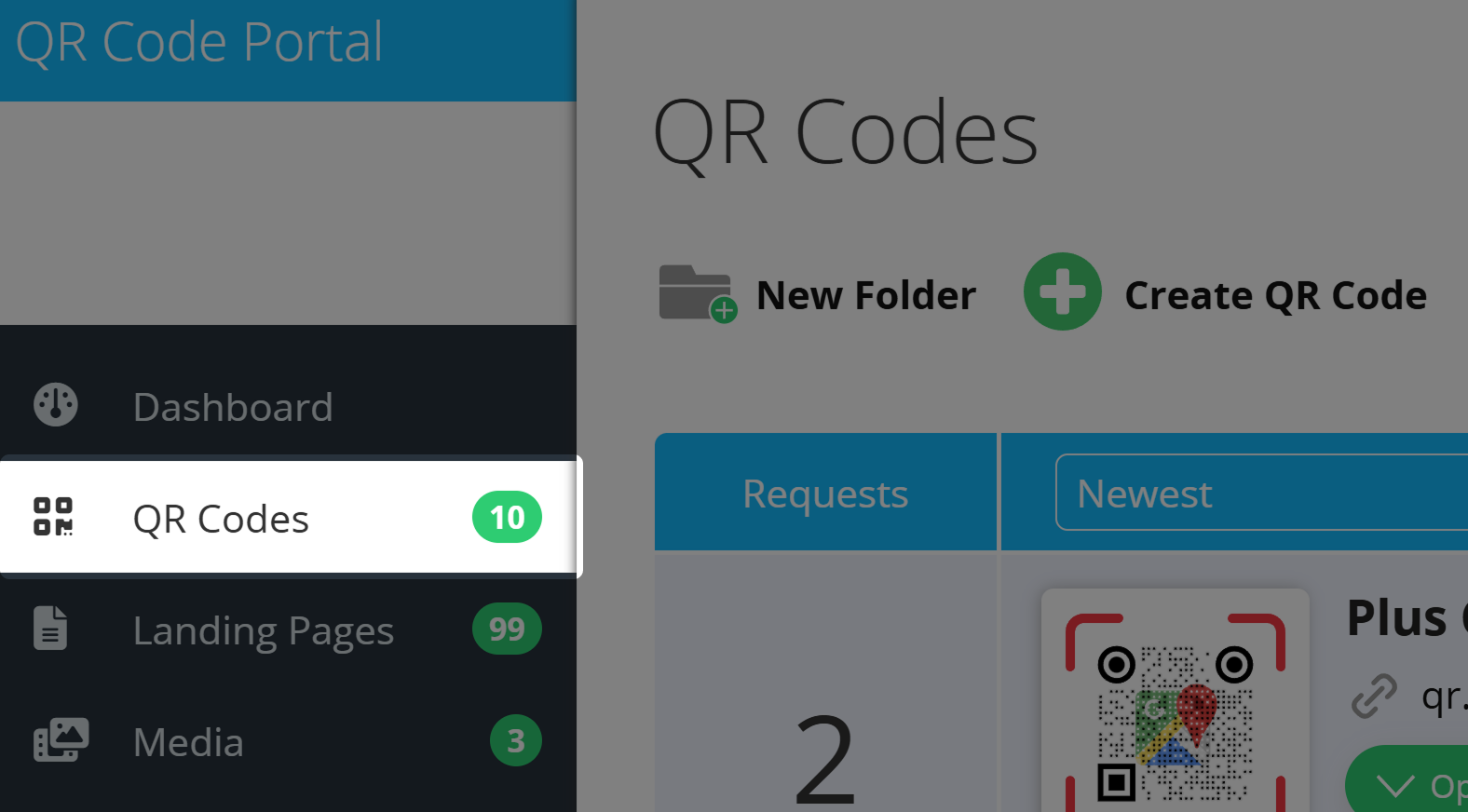
Then, go to the QR Codes section.
2. Select a QR Code and activate the notification
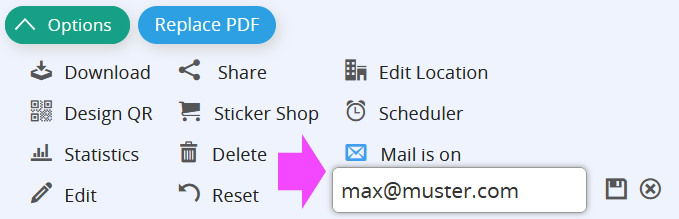
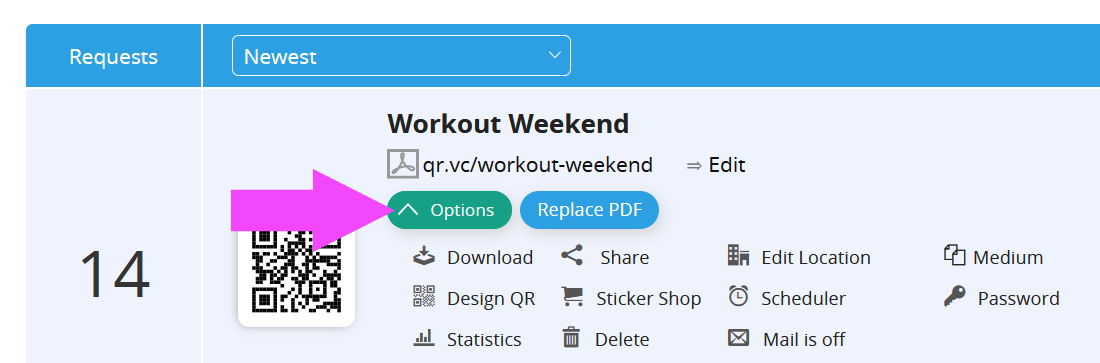
Select a QR Code and click Options. In the next step, click on the Mail icon to activate the notification function.
3. Specify an optional recipient
The notification will be sent to the email stored in the account. However, you can also specify an alternative email for each QR Code, to which the notifications will be sent after verifying the email's ownership.